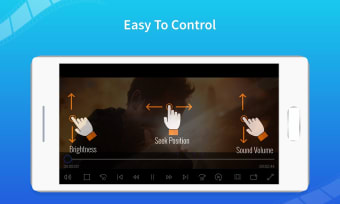
Simple player for everyday video viewing
Video Player – Play All Videos by Queenloft is a lightweight media player for Windows designed to handle a wide range of standard video file types. It supports formats like MP4, AVI, MKV, and MOV, making it a convenient option for users looking to watch local videos without installing heavy software. The app’s layout is simple and functional, focusing on essential playback rather than advanced features.
Top Recommended Alternative

Lightweight Playback Without the Extras
This video player keeps things simple for users who just want to open and play files without additional setup. Supporting popular formats like MP4, AVI, MKV, and MOV, it covers most everyday needs. Instead of advanced tools or streaming features, the app focuses on clear controls and quick file access. It’s a straightforward solution for watching local videos with minimal system impact.
Essential Features with a Few Limits
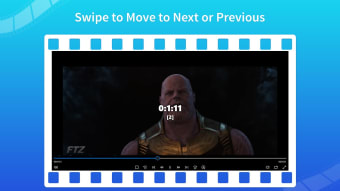
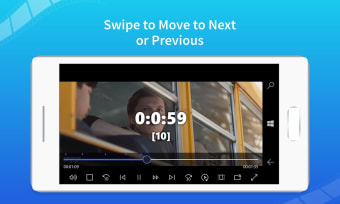
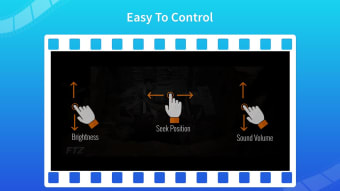
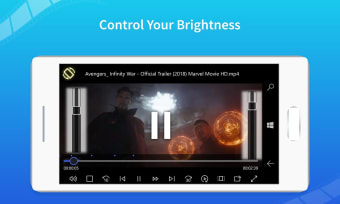
Playback tools include standard pause, seek, and fullscreen options, with support for external SRT subtitles. Audio track switching is available but may not always work smoothly. The app handles 720p video well, though high-resolution or high-bitrate files can cause occasional lag. While easy to use, it lacks customization or gesture support. Ads are part of the free version, but a paid upgrade removes them without unlocking extra functionality.
Final thoughts
Video Player – Play All Videos offers a simple, functional option for users who need a basic media player without unnecessary extras. Its support for common formats and clean interface make it a practical choice for casual viewing. While it lacks advanced features and includes ads in the free version, it performs reliably for standard playback tasks. For straightforward video watching on Windows, it gets the job done.